 Voxel Arcade Hub
Voxel Arcade Hub
Voxel Arcade Hub
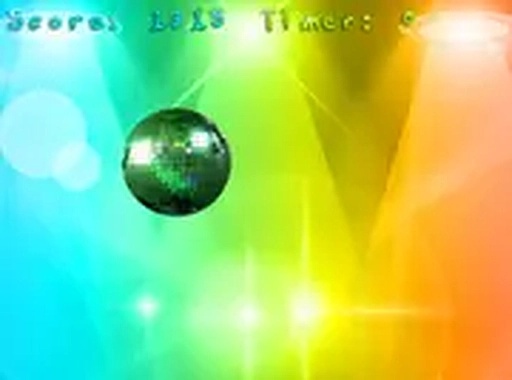
Quick Tap Reflex Challenge delivers exactly what it promises: a pure reflex test with no frills. The color-changing ball provides satisfying visual feedback, and the minimal interface keeps you focused. It is an excellent tool for sharpening hand-eye coordination, and its free, no-download nature makes it easy to jump in anytime. The game runs smoothly on desktop browsers, and the full screen option enhances immersion. While it lacks advanced features like leaderboards, its simplicity is its greatest strength.
Quick Tap Reflex Challenge is a straightforward reflex game that focuses on your clicking speed and attention. The core objective is simple: a ball appears on the screen, and your goal is to click it as quickly as possible. With each successful click, the ball changes color, providing clear visual feedback that keeps the experience engaging. This game is suitable for players of all ages and can help improve hand-eye coordination over time. It runs smoothly on desktop browsers, offering a clean and distraction-free environment. The challenge lies in maintaining speed and accuracy as the ball appears in random positions. There are no complex rules or storylines, making it an excellent choice for quick gaming sessions or longer practice periods. The game is designed to be accessible, requiring only a mouse and a willingness to focus. Its simplicity is its strength, allowing players to concentrate purely on their reflexes without unnecessary distractions.
To begin, simply visit the game page on your desktop browser. Use your mouse to click on the ball as soon as it appears on the screen. Each successful click earns you one point, and the ball changes to a new color. The game continues as you keep clicking, with the ball appearing in different locations. There are no complicated controls or instructions to remember. The game works best on a desktop computer with a mouse, though some players may also use a touchpad. For a more immersive experience, you can enable full screen mode. The primary challenge is to maintain your speed and accuracy as the ball appears randomly. The game does not have a timer, so you can play at your own pace, but faster clicking leads to higher scores.
The game features simple one-click gameplay that keeps the focus on reaction speed. After each click, the ball changes color, adding visual variety and making the experience more dynamic. Regular play may help improve reflexes and concentration over time. The game is free to play with no downloads required, making it easy to start anytime. Full screen mode is available for a more immersive experience. The interface is clean and minimal, with no ads or pop-ups interrupting the gameplay. The game is designed to run smoothly on most modern desktop browsers, ensuring a consistent experience for all users. These features make it a reliable choice for quick entertainment or focused practice sessions.
To improve your score, practice clicking quickly and accurately. Keep your hand steady and your eyes focused on the area where the ball appears. Using a comfortable mouse and a stable surface can help maintain consistency. Take short breaks to avoid fatigue, as prolonged play can reduce reaction times. Consistent practice is key to developing faster reflexes and achieving higher scores. Focus on the ball's appearance pattern to anticipate its next location.

A relaxing, colorful puzzle game with three difficulty levels. Perfect for family fun.
A delightful puzzle game with colorful graphics and clever levels that challenge your logic without being frustrating.
A delightful jumping game with simple controls and bright graphics. Perfect for quick fun.
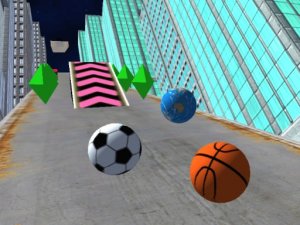
A fun, fast-paced arcade runner with smooth controls and a colorful city setting.

A relaxing and creative coloring game that lets you personalize Pokemon characters with endless color choices.
A wonderfully relaxing puzzle game with no pressure. Perfect for unwinding and sharpening your mind.
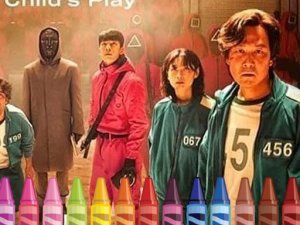
A calm, creative coloring experience with no pressure. Perfect for relaxing and expressing your artistic side.
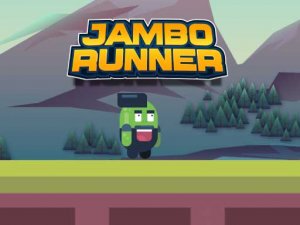
Bright, cheerful endless runner with simple controls and endless replayability. Perfect for quick fun.
Reflex Arena Challenge HD offers fast, family-friendly reflex action with vibrant graphics and simple controls.

A delightful, family-friendly arcade adventure that captures the charm of SpongeBob with simple controls and colorful exploration.